
Google Ads invalid traffic card: what it shows and what it misses
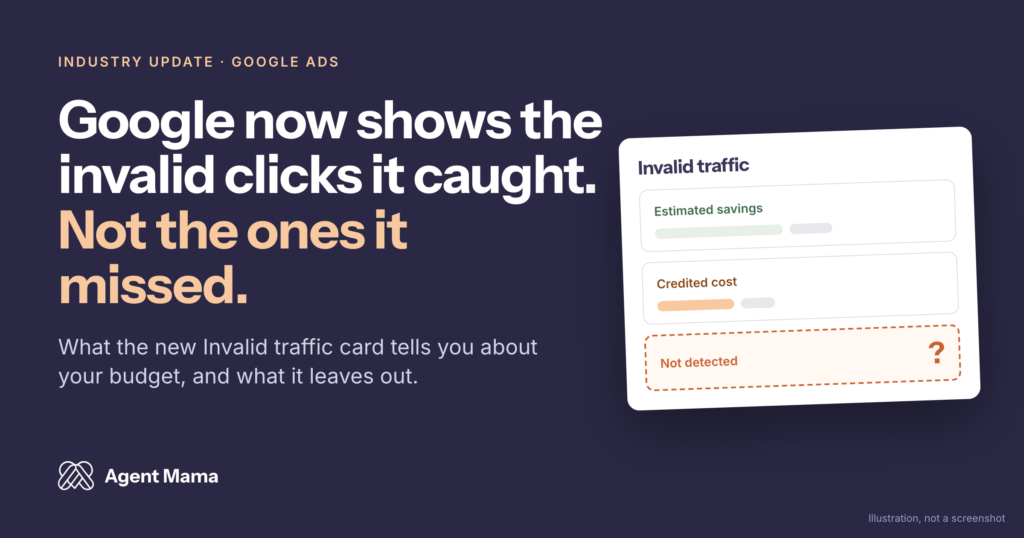
On 12 November 2026 Google began rolling out a new card for Google Ads invalid traffic. For the first time, an advertiser can see in the interface how much the invalid traffic filters are estimated to have saved, and how much was credited back afterwards. The card is rolling out gradually, so it may not be in your account yet.
It is a welcome piece of transparency. It is also easy to read more into it than it says.
What the card shows
The card is called “Invalid traffic” and sits on the Overview page in the Campaigns menu. It has two figures for the date range you select:
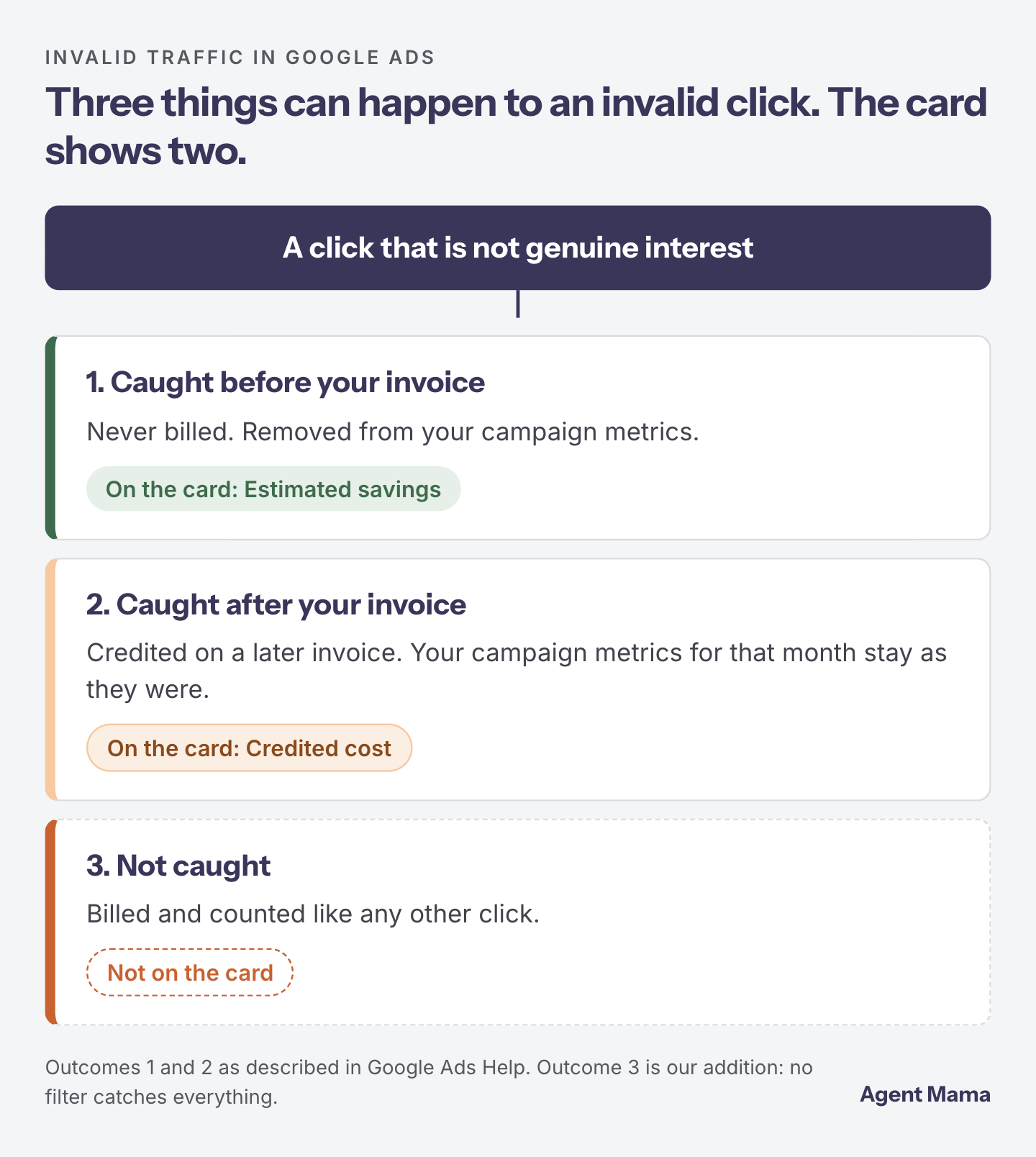
- Estimated savings. The estimated cost of invalid traffic that automated filters and manual reviews removed before you were billed.
- Credited cost. The amount credited back for invalid activity that was found after the billing period had ended.
“View details” opens a breakdown with daily graphs, a split by campaign and links to the invoices where credits were applied.
Nothing changes in how invalid traffic is handled. Google has not charged for invalid clicks it detects, and it has issued credits for what it finds late, “where appropriate and possible”. What is new is that the two amounts are visible in one place.
What the card cannot show
The card reports what the filters caught. It says nothing about traffic they did not catch, because nobody can count what was not detected. A high savings figure means the filters were busy. It does not mean that the traffic which remained was clean, and a low figure does not mean it was dirty.
Two more limits are worth knowing.
- Filtered clicks can still reach your site. The filters run after the ad has been served. Google’s own guidance says they cannot stop that traffic from arriving on your website or filling in your forms. You are not billed for it, but it can still appear in your analytics and your CRM.
- The card covers ad cost only. It does not tell you whether a lead was real or whether an order was later returned.
The detail that affects your numbers
Campaign metrics are frozen at the end of each month so that they match the invoice. When invalid activity is found later, the credit appears on a later invoice as an “Invalid activity” adjustment. The campaign report for the month in question is not changed.
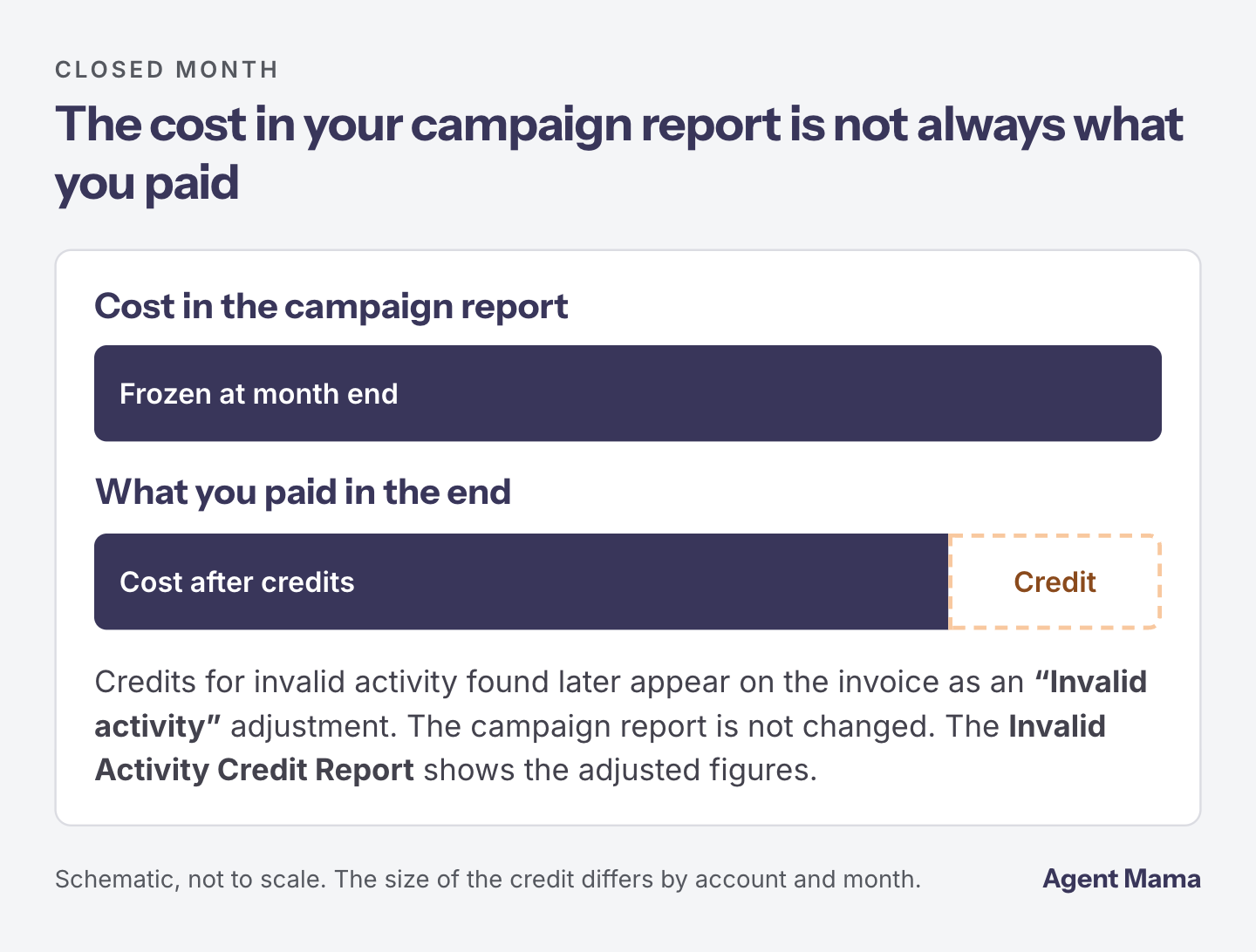
So for a closed month, the cost in your campaign report can be higher than what you paid in the end. To see figures with the credits applied, Google provides the Invalid Activity Credit Report in the Report Editor, which shows adjusted clicks, cost and conversion rate.
Do not expect the two card figures to resemble each other, either. The savings come from traffic filtered before billing, the credits from activity found after it. Google notes that many filtered clicks next to a small credit is normal.
Where to look
| Question | Where in Google Ads |
|---|---|
| How much did the filters save, and how much was credited? | Overview page: “Invalid traffic” card, then “View details” |
| How many clicks were filtered, per campaign? | Campaigns table: add the “Invalid clicks” column |
| Which credits did we receive? | Billing, Summary: “Invalid activity” under Adjustments |
| What did a past month look like after credits? | Report Editor: Invalid Activity Credit Report |
| We suspect traffic that was not filtered | Click Quality Form, for activity in the last 60 days |
What this means for profit
The card answers one question: how much did Google decline to charge us for? That is worth knowing, and it is good that it is now visible. But it is a statement about the platform’s filters, not about the quality of the traffic you paid for.
Profit is decided by the clicks that were billed. If a campaign brings visits that never buy, cancel or return most of what they order, it costs you money whether or not a single click was classed as invalid. The measure that protects margin is what a campaign contributes after returns and costs, compared with what you paid for it. The card feeds one input to that calculation, the true ad cost. It does not replace the calculation.
There is also a small accounting point with a real effect. If your profit reporting takes ad cost from campaign reports, closed months may be slightly overstated. Whether that matters depends on the size of your credits, and the card now lets you see that for yourself.
What to do this week
- Find the card on the Overview page. If it is not there yet, add the “Invalid clicks” column to your campaigns table in the meantime.
- Open “View details” and look at the split by campaign. Note which campaigns account for most of the savings and credits.
- Compare credited cost with your own cost data. If your finance or profit reports use campaign report cost, decide whether credits are large enough to correct for.
- If you collect leads, protect the forms themselves. Google suggests reCAPTCHA, server-side validation and a double opt-in.
- If something looks wrong, request an investigation within 60 days and have click identifiers and server logs ready.
Invalid traffic filtering is one of several things Google Ads decides on your behalf. Another arrives on 4 December 2026, when Performance Max image extraction is switched on by default. The same filters also apply to newer placements such as ads in AI Mode.
If you want to see campaigns judged on what they earn after costs and returns, book a demo.
Sources
- We’re introducing a new transparency tool for invalid traffic in Google Ads. – Google Ads & Commerce Blog, 12 November 2026
- About invalid traffic – Google Ads Help, read 14 November 2026
- Invalid clicks: Definition – Google Ads Help, read 14 November 2026